

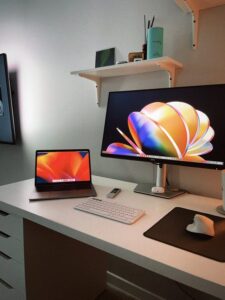
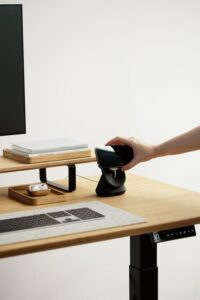
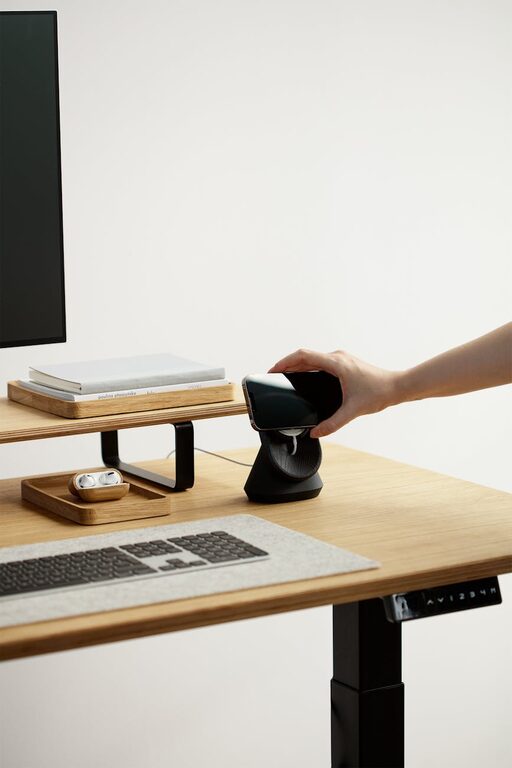
Creating a home office that feels both cozy and productive can greatly improve your work-from-home experience. Whether you have a dedicated room or a small corner, designing a space that supports focus while keeping comfort in mind will help you stay motivated and efficient.
In this post, we’ll explore practical tips to help you set up a home office that encourages productivity without sacrificing a warm, inviting atmosphere.
Choose the Right Location
Prioritize Natural Light
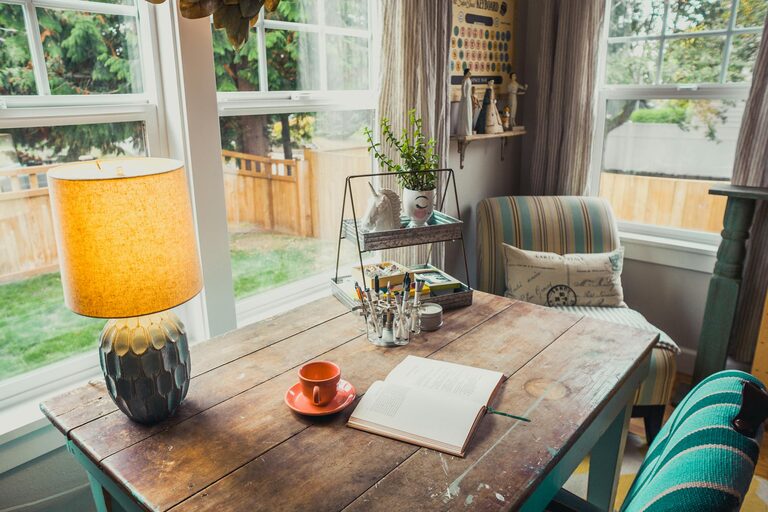
Select a spot in your home that receives ample natural light. Sunlight boosts mood and alertness, making it easier to stay focused throughout the day. Position your desk near a window but avoid glare on your computer screen.
Minimize Noise and Distractions
Choose a quiet area away from high-traffic zones. If background noise is unavoidable, consider noise-canceling headphones or soundproof curtains to create a calm environment.
Invest in Comfortable Furniture
Ergonomic Chair and Desk
Comfort is key to productivity. Invest in an ergonomic chair that supports your posture and a desk at the right height to prevent strain. Adjustable chairs and desks are a great option to customize your setup.
Add Personal Touches
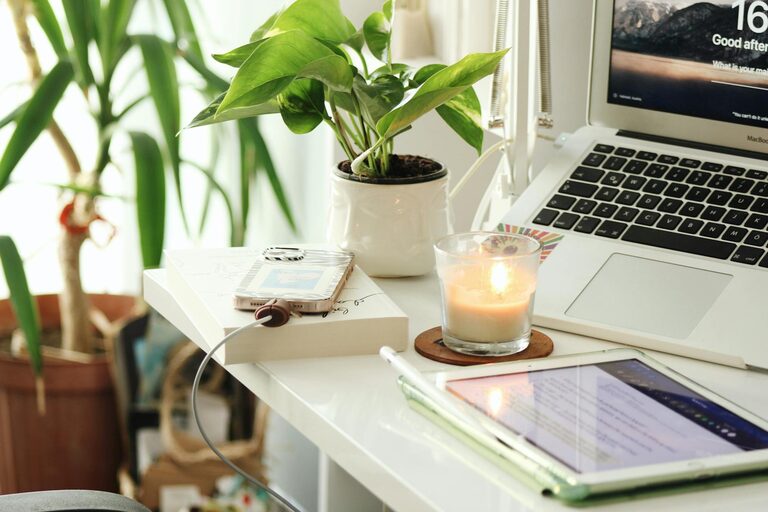
Incorporate a few personal items like a favorite mug, artwork, or a small plant. These additions make the space feel welcoming and uniquely yours without causing clutter.
Organize and Declutter
Use Storage Solutions
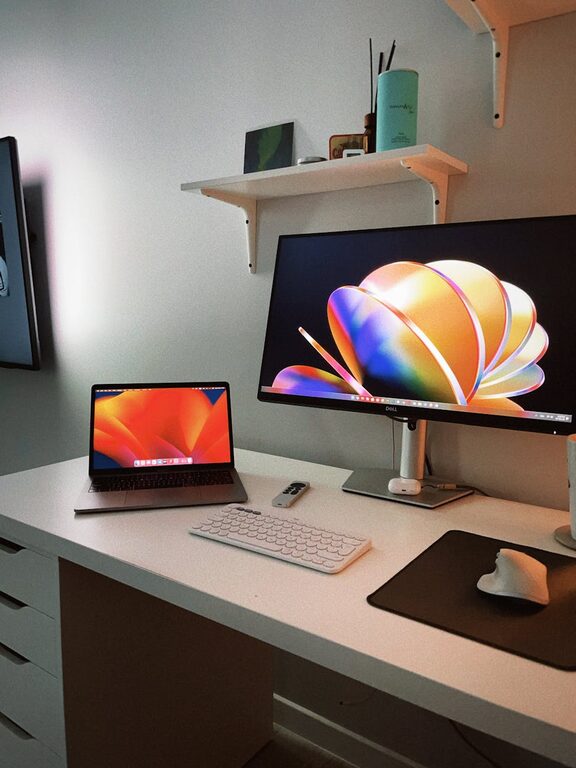
Keep your workspace tidy with shelves, drawers, and organizers. Well-organized supplies reduce distractions and allow you to find what you need quickly.
Keep Essentials Handy
Store frequently used items within arm’s reach to maintain workflow. Less important items can be stored away to keep the desktop clean.
Enhance Lighting
Layer Your Lighting
Combine overhead lighting with task lamps to reduce eye strain. A desk lamp with adjustable brightness lets you customize lighting depending on the time of day and the task.
Choose Warm Light
Opt for warm white bulbs that create a cozy atmosphere rather than harsh fluorescent lighting, helping you feel relaxed yet alert.
Establish Boundaries
Define Work Hours
Set clear working hours to maintain a healthy work-life balance. Let family or roommates know your schedule to minimize interruptions.
Separate Workspace Visually
Use rugs, screens, or furniture placement to visually separate your office area from the rest of your home. This helps your brain switch between work and leisure modes.
Incorporate Greenery and Decor
Add Plants
Plants not only enhance the aesthetics but also improve air quality and reduce stress. Choose low-maintenance options like succulents or pothos if you’re new to plant care.
Keep Decor Simple
Select calming colors and minimal decor to create a peaceful environment that promotes concentration. Avoid overly busy patterns or bright colors that might distract you.
Optimize Technology Setup
Reliable Equipment
Ensure your computer, Wi-Fi, and other tech tools are reliable. Technical delays can disrupt flow and increase frustration.
Manage Cables
Use cable organizers or clips to keep cords neat and prevent tangling. A tidy area with less clutter helps maintain focus.
Personal Wellness
Take Regular Breaks
Schedule short breaks to stretch, move around, or rest your eyes. This improves comfort and maintains productivity throughout the day.
Stay Hydrated and Nourished
Keep water nearby and have healthy snacks accessible. Good nutrition supports cognitive function and energy.
—
By paying attention to these details, you can create a home office that is both a comfortable retreat and a highly effective workspace. Remember, your ideal office should reflect your personal preferences and work style. Take time to adjust and fine-tune the setup to find what works best for you.