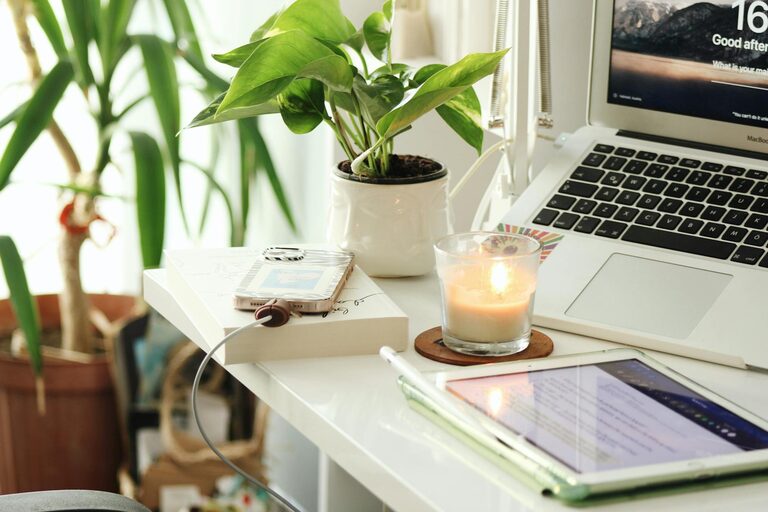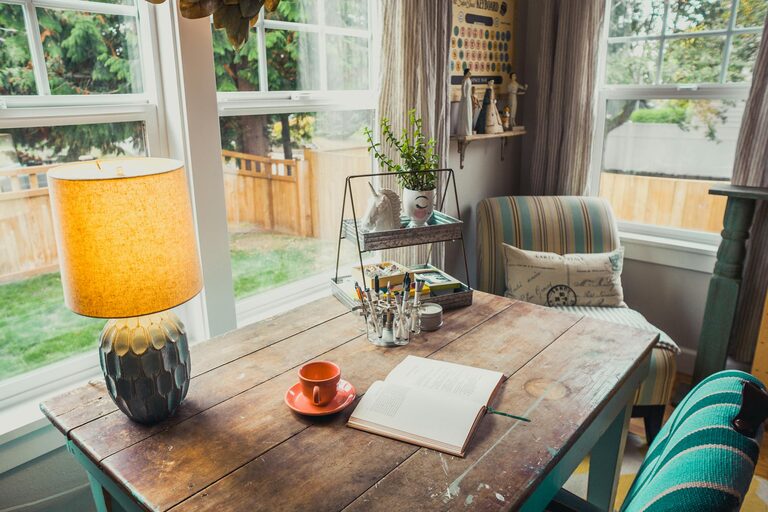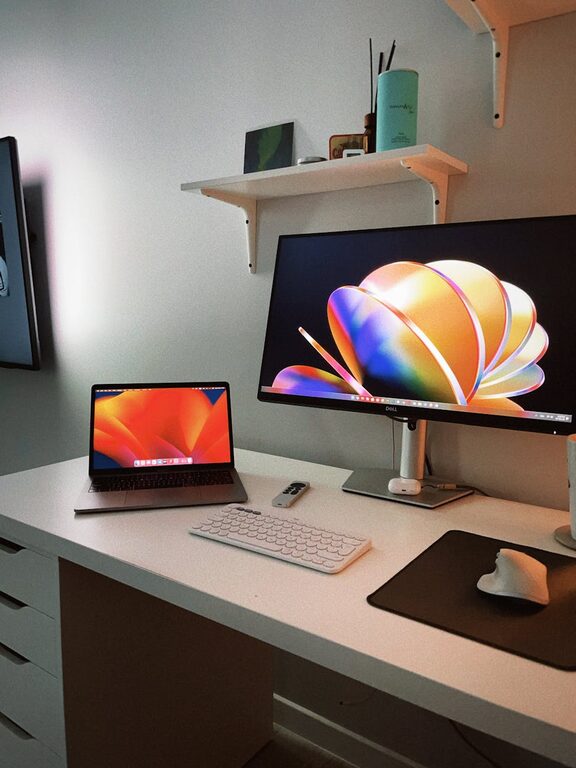


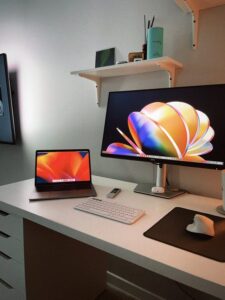
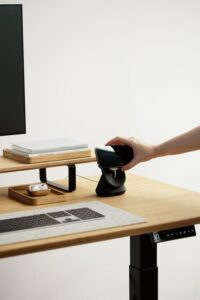
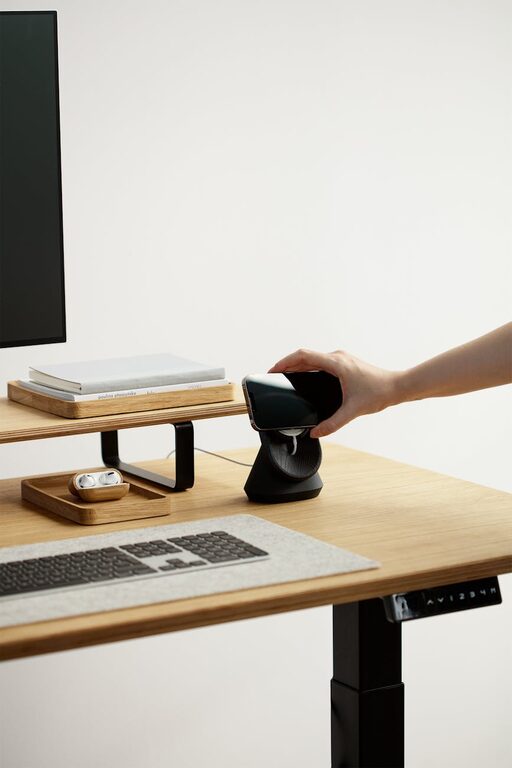
Creating a home office that strikes the perfect balance between comfort and productivity is essential for anyone working remotely or managing tasks from home. A cozy space helps reduce stress and encourages creativity, while a well-organized layout supports focus and efficiency. Whether you have a dedicated room or just a small corner, these tips will guide you in designing a home office tailored to your needs.
Choose the Right Location
Start by selecting a spot that minimizes distractions and suits your daily work routine. Ideally, pick an area with natural light, as it can boost mood and energy levels. If space is limited, consider using a room divider or screen to separate your workspace from living areas.
– Look for a quiet corner away from heavy foot traffic.
– Position your desk near a window if possible.
– Avoid locations near noisy appliances or entertainment systems.
Invest in Comfortable Furniture
Since you’ll spend several hours in your home office, comfort is key. Ergonomic furniture helps maintain good posture and prevents fatigue.
– Choose an adjustable chair with lumbar support.
– Opt for a desk at the right height to keep wrists straight while typing.
– Consider adding a footrest to improve circulation.
– If space allows, a standing desk or sit-stand converter can add flexibility.
Optimize Lighting
Good lighting reduces eye strain and keeps you alert during work hours.
– Combine natural light with layered artificial lighting.
– Use a desk lamp with adjustable brightness for detailed tasks.
– Avoid harsh overhead lights that create glare on screens.
– Position your monitor to reduce reflections from windows or bulbs.
Organize Wisely
Clutter can distract and decrease productivity. Keep your workspace tidy with smart storage solutions.
– Use shelves, drawers, or filing cabinets to store documents and supplies.
– Keep everyday essentials within arm’s reach.
– Use cable organizers to manage cords and chargers.
– Declutter regularly to maintain a neat environment.
Add Personal Touches
Personalizing your space can make it feel welcoming and motivating.
– Display inspiring artwork or photos.
– Incorporate plants to add greenery and improve air quality.
– Choose colors that evoke calmness and focus, such as soft blues or greens.
– Use textiles like cushions or rugs to add warmth.
Manage Technology Efficiently
Reliable technology is crucial in any home office.
– Invest in a good-quality monitor, keyboard, and mouse.
– Ensure your internet connection is fast and stable.
– Use wireless devices when possible to reduce cord clutter.
– Backup important files regularly to avoid data loss.
Maintain a Comfortable Temperature
Temperature impacts concentration and comfort.
– Use a fan or space heater as needed to regulate your workspace.
– Open windows occasionally for fresh air.
– Consider choosing breathable materials for chair cushions and curtains.
Set Boundaries and Routine
Creating a productive atmosphere goes beyond physical space.
– Set fixed working hours and take scheduled breaks.
– Inform family or roommates about your work times.
– Keep work materials separate from leisure items to mentally switch between tasks.
Incorporate Movement and Break Areas
Prolonged sitting can be detrimental to health and focus.
– Include space for stretching or quick exercises.
– If possible, separate an area for relaxation away from your desk.
– Use reminders or apps to encourage standing up or short walks.
—
Designing a cozy and productive home office is about combining function and comfort in a way that suits your personal work style. By thoughtfully arranging your space, choosing supportive furniture, and keeping the environment pleasant and organized, you’ll create a home office that boosts your productivity while making working from home enjoyable.