

Creating a home workspace that is both cozy and functional can significantly improve your productivity and overall work-from-home experience. Whether you have a dedicated room or just a small corner, the right setup helps you stay focused and comfortable throughout the day. This guide offers practical tips on designing a workspace that suits your needs while making your home feel inviting.
Why a Cozy and Functional Workspace Matters
When working from home, the environment plays a crucial role in motivation and efficiency. A workspace that feels welcoming encourages longer, distraction-free work sessions. Meanwhile, functionality ensures that everything you need is within reach and organized, reducing stress and wasted time.
Choosing the Right Spot
Consider Natural Light
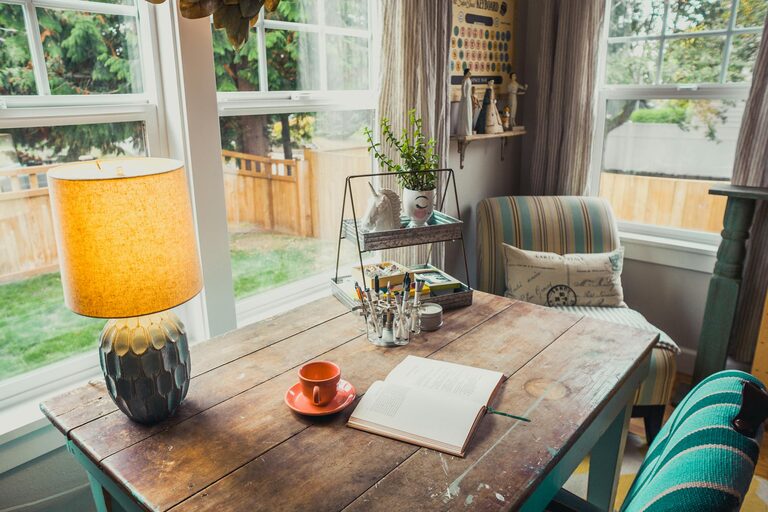
Try to choose a location with plenty of natural light. Sunlight boosts mood and energy, helping you stay alert. Position your desk near a window, but avoid glare on your screen by placing the desk perpendicular to the window.
Minimize Distractions
Pick a quiet area away from household traffic and noise. If space is limited, use room dividers, curtains, or even noise-canceling headphones to create a more focused environment.
Assess Available Space
Choose a spot that fits your work essentials comfortably. Even a small nook can work if planned thoughtfully.
Selecting Comfortable and Practical Furniture
Ergonomic Chair
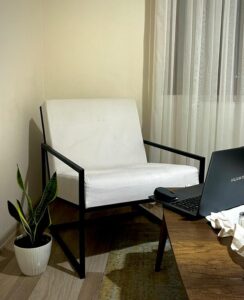
Invest in a supportive chair that encourages good posture. Adjustable height, lumbar support, and cushioning will keep you comfortable during long sessions.
Functional Desk
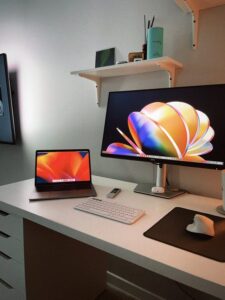
Choose a desk that fits your space and work style. It should have enough surface area for your computer, notes, and any other essentials.
Storage Solutions
Incorporate shelves, drawers, or filing cabinets to keep supplies organized and off your desk.
Organizing Your Workspace
Declutter Regularly
Keep only frequently used items on your desk. Store less-used materials elsewhere to maintain a clean, focused area.
Use Organizers
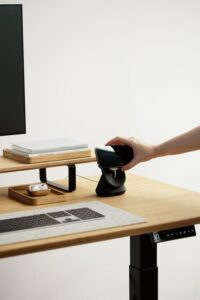
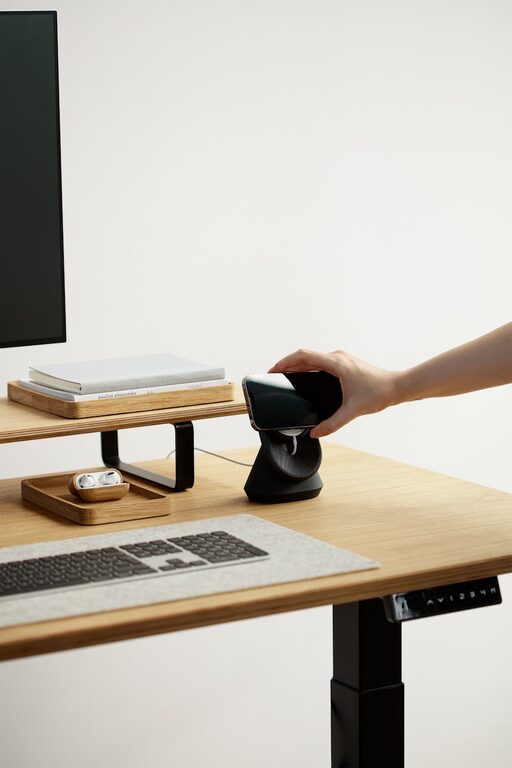
Desk trays, pen holders, and cable organizers can keep your workspace tidy and efficient.
Manage Cables
Tidy cables with clips or under-desk organizers to prevent a messy appearance.
Personalizing Your Space
Add Plants
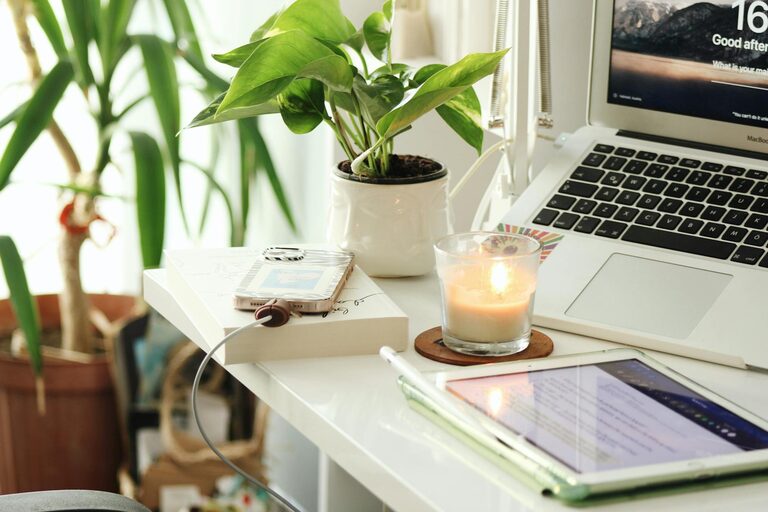
A small plant can improve air quality and add a touch of nature, making your workspace more inviting.
Decorate Thoughtfully
Choose artwork, photos, or inspirational quotes that motivate you without distracting.
Use Warm Lighting
In addition to natural light, soft warm bulbs or desk lamps create a cozy atmosphere, especially in the evening.
Improving Functionality with Technology
High-Speed Internet
Reliable internet is fundamental; consider upgrading your connection or adding a Wi-Fi extender if necessary.
Quality Equipment
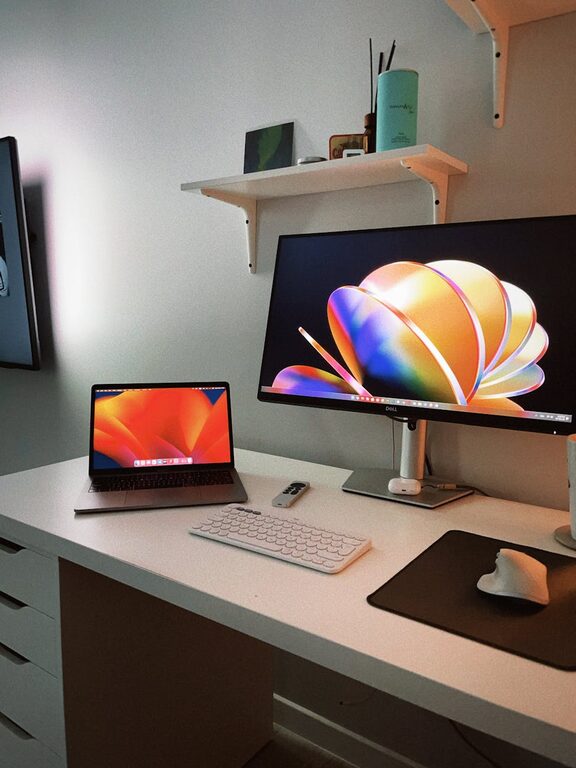
Use a good monitor, keyboard, and mouse to reduce strain and improve work output.
Webcam and Microphone
If video calls are a part of your routine, invest in clear audio and video gear.
Building Healthy Work Habits
Take Breaks
Set reminders to stand, stretch, or walk to avoid fatigue and maintain focus.
Maintain a Routine
Start and finish work at consistent times to build a balance between work and personal life.
Keep Hydrated
Place a water bottle within reach to remind yourself to drink throughout the day.
Conclusion
Designing a home workspace that blends coziness with functionality is a rewarding effort that pays off in your productivity and well-being. By carefully choosing location, furniture, and accessories, and maintaining organization and personal touches, you can create an environment that supports successful workdays. Remember, the best workspace suits your unique needs and style, so don’t hesitate to adjust and improve it over time.
With these tips, your home office can become a place you look forward to working in every day.