

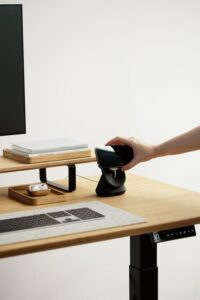
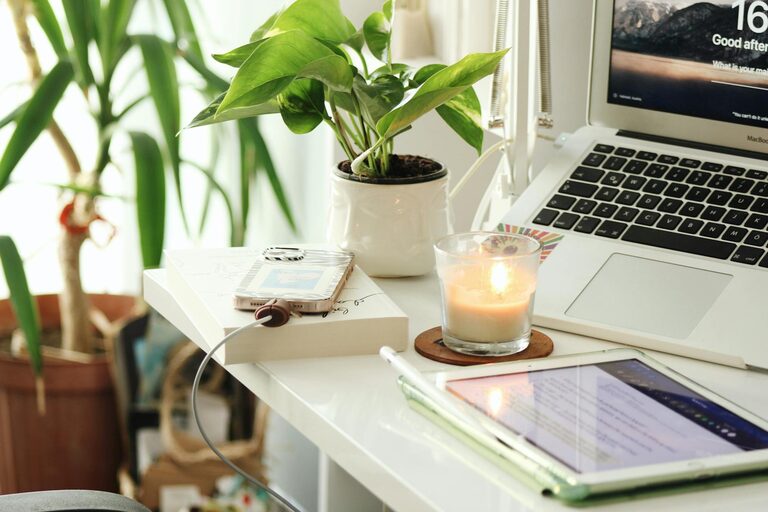
Creating a home office that is both cozy and productive can transform your work-from-home experience. Whether you’re freelancing, running a small business, or working remotely, your workspace can significantly impact your focus and comfort. Here are helpful tips to design a home office that feels inviting and keeps you motivated throughout the day.
Choose the Right Location
The first step in setting up your home office is selecting the best spot. Ideally, the location should be quiet, have good natural light, and provide enough space for your needs.
– Quiet and private: Choose an area away from high-traffic zones to reduce distractions.
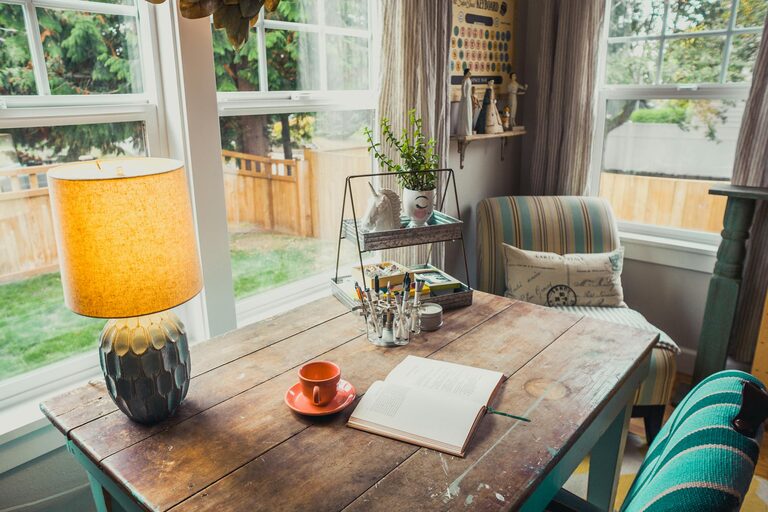
– Natural light: Position your desk near a window if possible; natural light improves mood and reduces eye strain.
– Adequate space: Make sure there’s room for your desk, chair, and storage without feeling cramped.
Invest in Comfortable and Ergonomic Furniture
Comfort is key for long work hours. Ergonomic furniture supports your posture and prevents discomfort.
– Ergonomic chair: A chair with adjustable height, lumbar support, and padded seating encourages good posture.
– Desk height: Your desk should allow your elbows to stay at a 90-degree angle when typing.
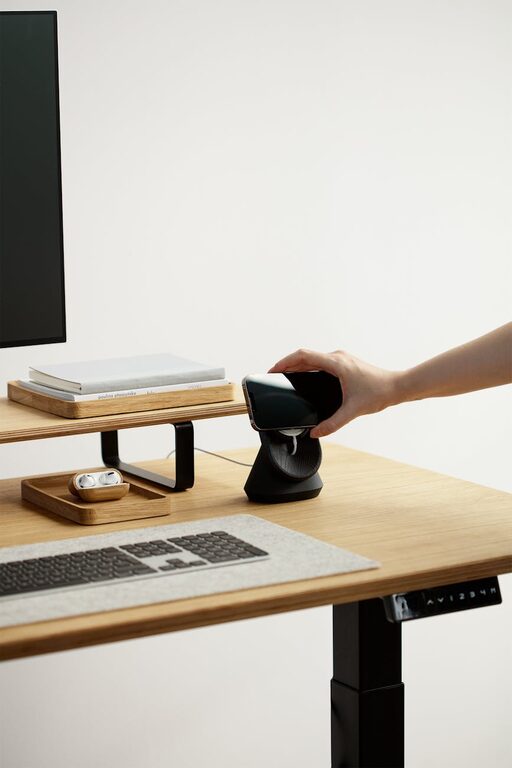
– Optional standing desk: Switching between sitting and standing can boost circulation and reduce fatigue.
Optimize Lighting
Good lighting reduces eye strain and sets the right mood for productivity.
– Combine natural and artificial lighting: Use daylight as much as possible and supplement with task lighting.
– Desk lamps: Adjustable lamps focused on your work area help when natural light is limited.
– Avoid glare: Position screens to minimize reflections and use window shades if needed.
Declutter and Organize Your Space
A tidy workspace helps maintain focus and reduces stress.
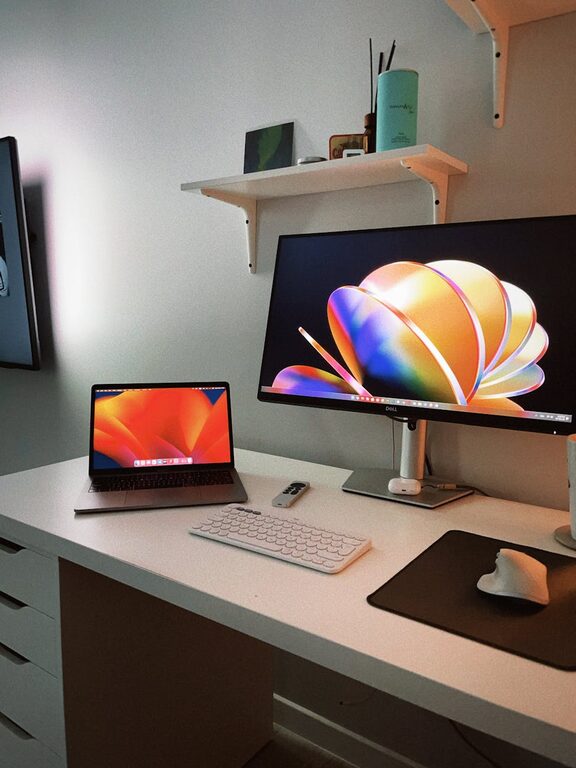
– Use storage solutions: Shelves, drawers, and file organizers keep papers and supplies neatly stored.
– Minimalist approach: Keep only essential items on your desk to minimize distractions.
– Regular clean-ups: Schedule time weekly to tidy your workspace.
Personalize Your Space
Adding personal touches makes your office inviting and inspiring.
– Decor: Choose wall art, plants, or accessories that reflect your style.
– Plants: Indoor plants improve air quality and add a refreshing vibe.
– Colors: Use calming or motivating colors; blues and greens are often popular for focus.
Manage Noise and Distractions
Creating a quiet environment helps concentration.
– Noise-canceling headphones: Useful if your home has background noise.
– White noise machines or apps: They can mask distracting sounds.
– Set boundaries: Communicate with household members about your working hours.
Utilize Technology Efficiently
Technology is crucial but should support your workflow without becoming a distraction.
– Reliable internet: Ensure your connection is stable and fast.
– Cable management: Use clips or sleeves to keep wires organized and avoid clutter.
– Essential equipment: Invest in good quality keyboard, mouse, and monitor for comfort and efficiency.
Create a Routine and Dedicated Work Hours
Having clear working hours helps maintain a work-life balance.
– Set a schedule: Start and end work at consistent times to build routine.
– Breaks: Incorporate short breaks to stretch and rest your eyes.
– Separate work and leisure: Use your home office only for work to create a mental boundary.
Maintain Good Air Quality and Temperature
Comfort also depends on air and temperature conditions.
– Ventilation: Open windows when possible or use an air purifier.
– Heating and cooling: Keep your workspace at a comfortable temperature with fans or heaters as needed.
—
A well-designed home office balances coziness and functionality, making work more enjoyable and efficient. Experiment with these tips and customize your space to what works best for you. Over time, your ideal workspace will evolve, creating the perfect environment to thrive professionally from the comfort of your home.